Choose Your Membership
Support my work and unlock exclusive perks
How to find your Discord ID:
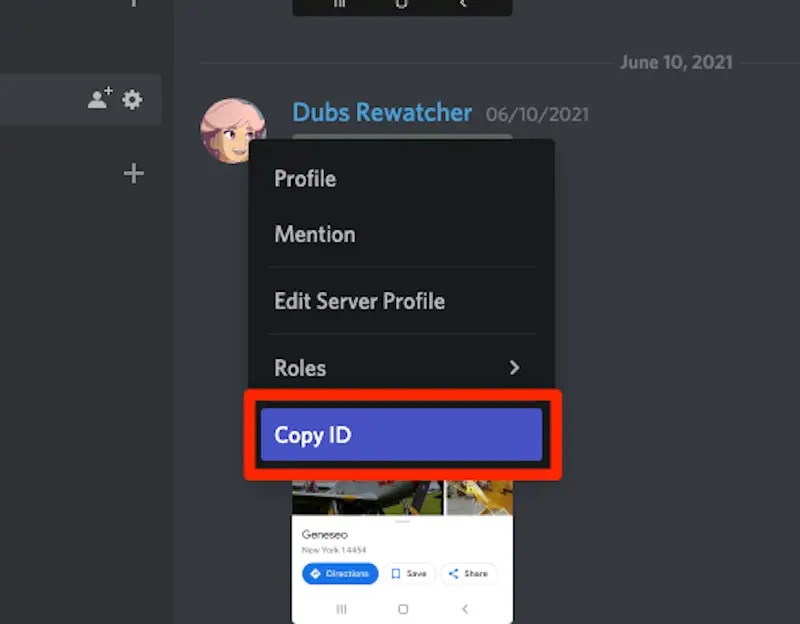
Where do I find my Discord ID? (click)
Step 1: Open Discord and go to User Settings (gear icon).
Step 2: Under App Settings, select Advanced and enable Developer Mode.
Step 3: Right‑click your username anywhere and select Copy ID.
Step 4: Paste that number here.
Important: After successful payment, you'll receive the corresponding role in our Discord server automatically. Make sure you've joined the server first!
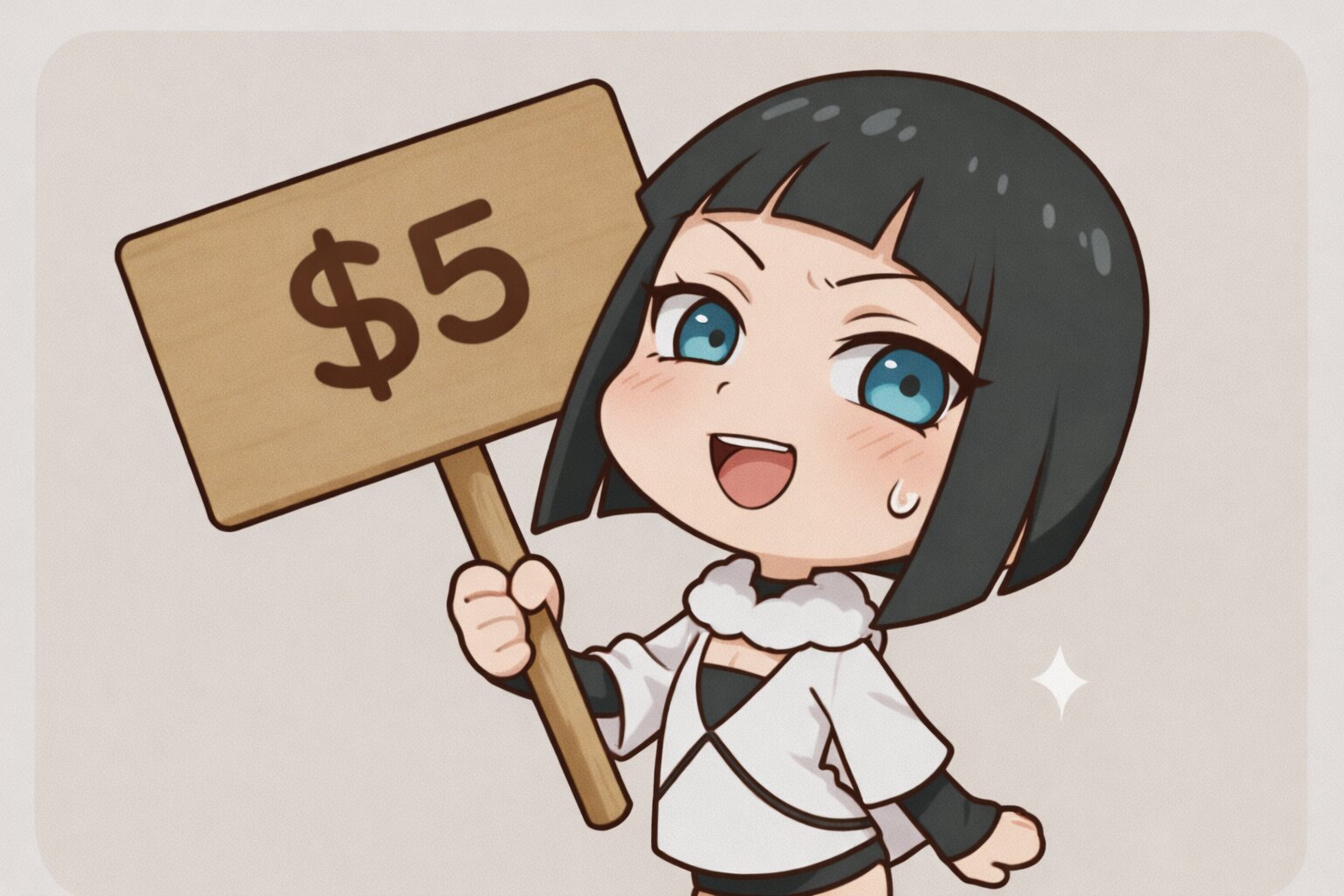
BRONZE
/ month
- • Exclusive discord role
- • Full archive access immediately.
- • Includes all past releases & paid content.
- • Extra voting power on polls.
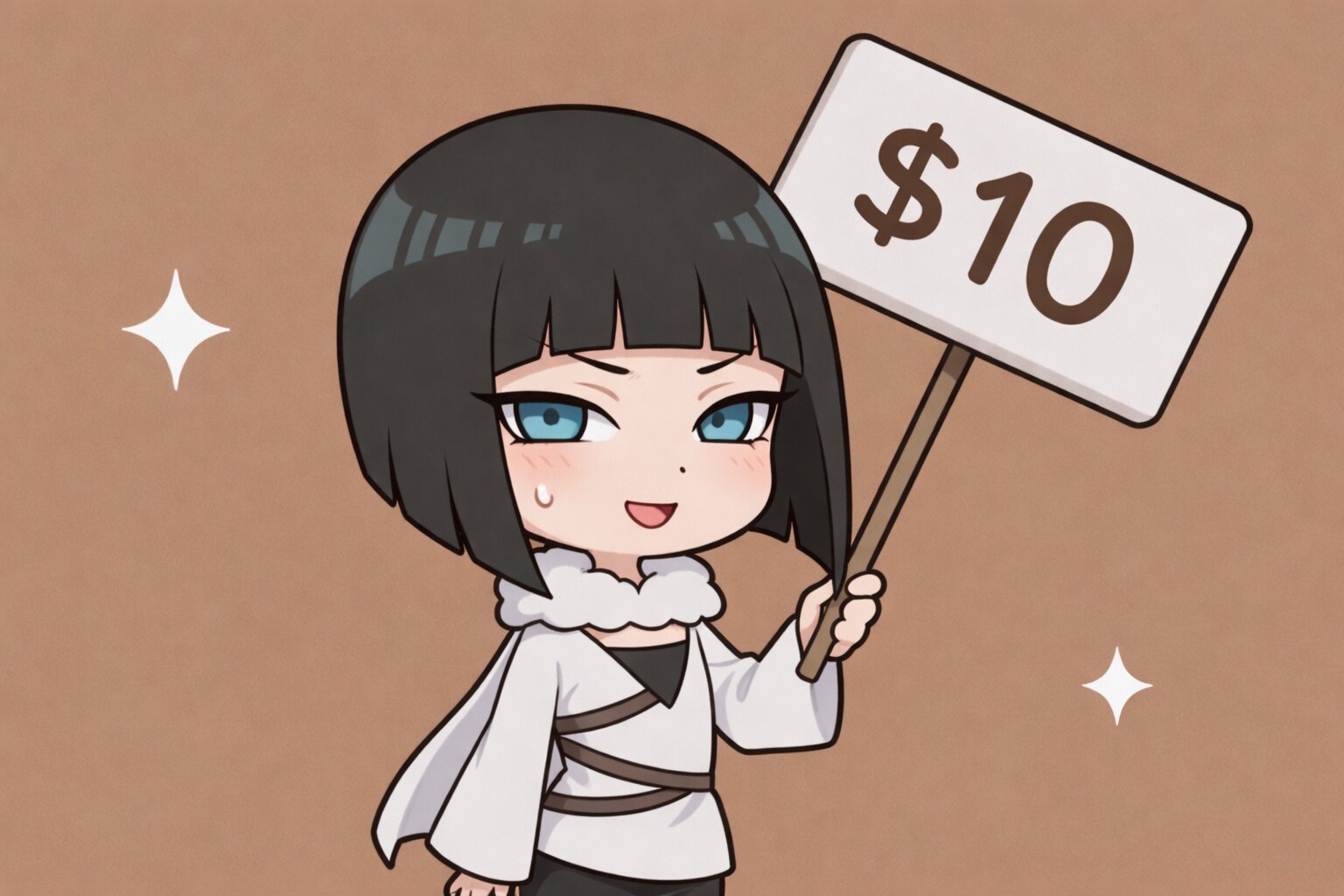
COPPER
/ month
- • Everything in Bronze tier, plus:
- • One (1) custom image request per active billing cycle.
- • Approx. 40 images per request.
- • Official outfit or creator-selected outfit.
- • Some character customization (body proportions, etc.) allowed.
- • Typical turnaround: ~1 day once its time on queue is up.
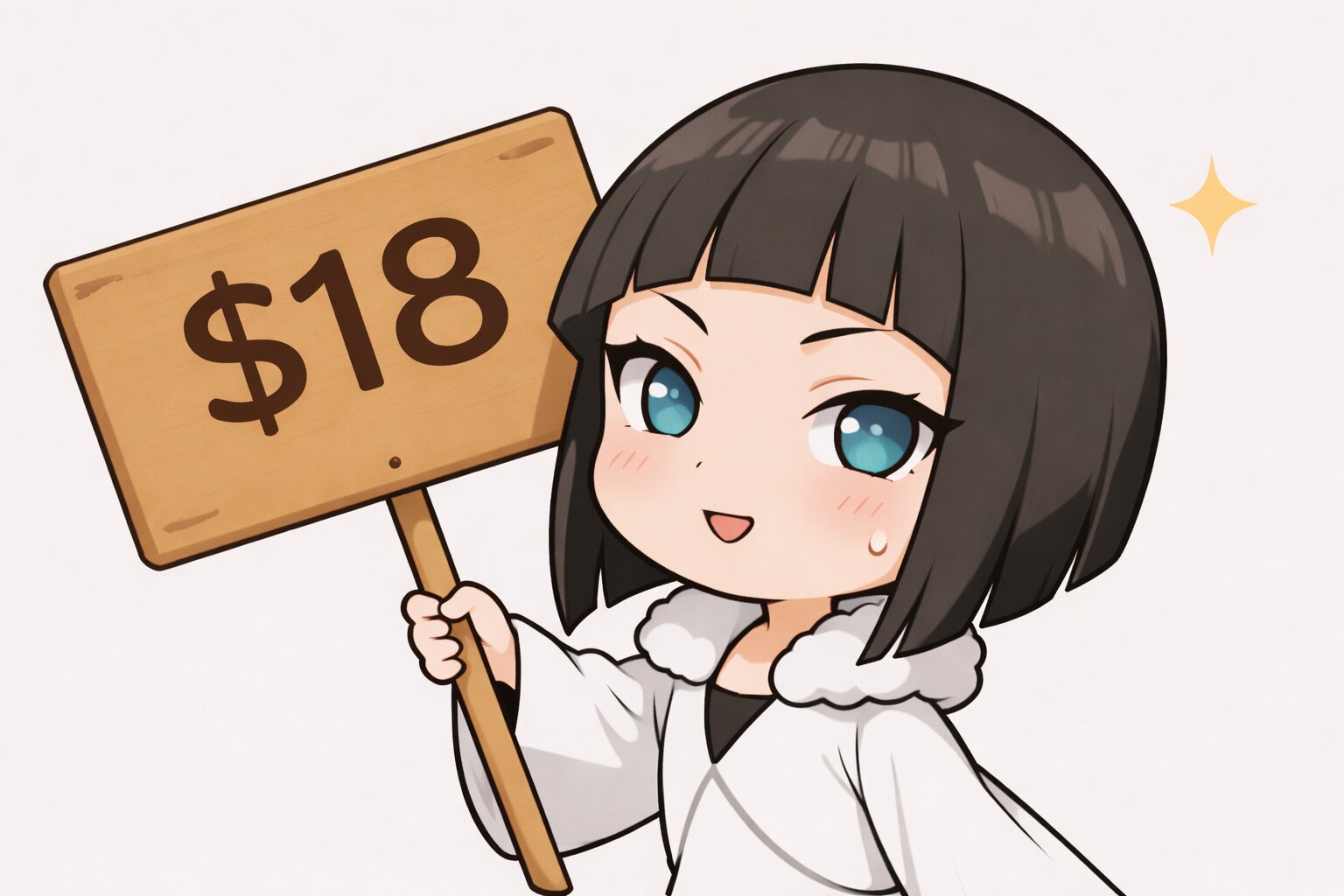
SILVER
/ month
- • Everything in Bronze tier, plus:
- • One (1) custom image request per active billing cycle.
- • Approx. 40 images per request.
- • Custom outfit allowed.
- • Character customization allowed.
- • Typical turnaround: ~1 day once its time on queue is up.
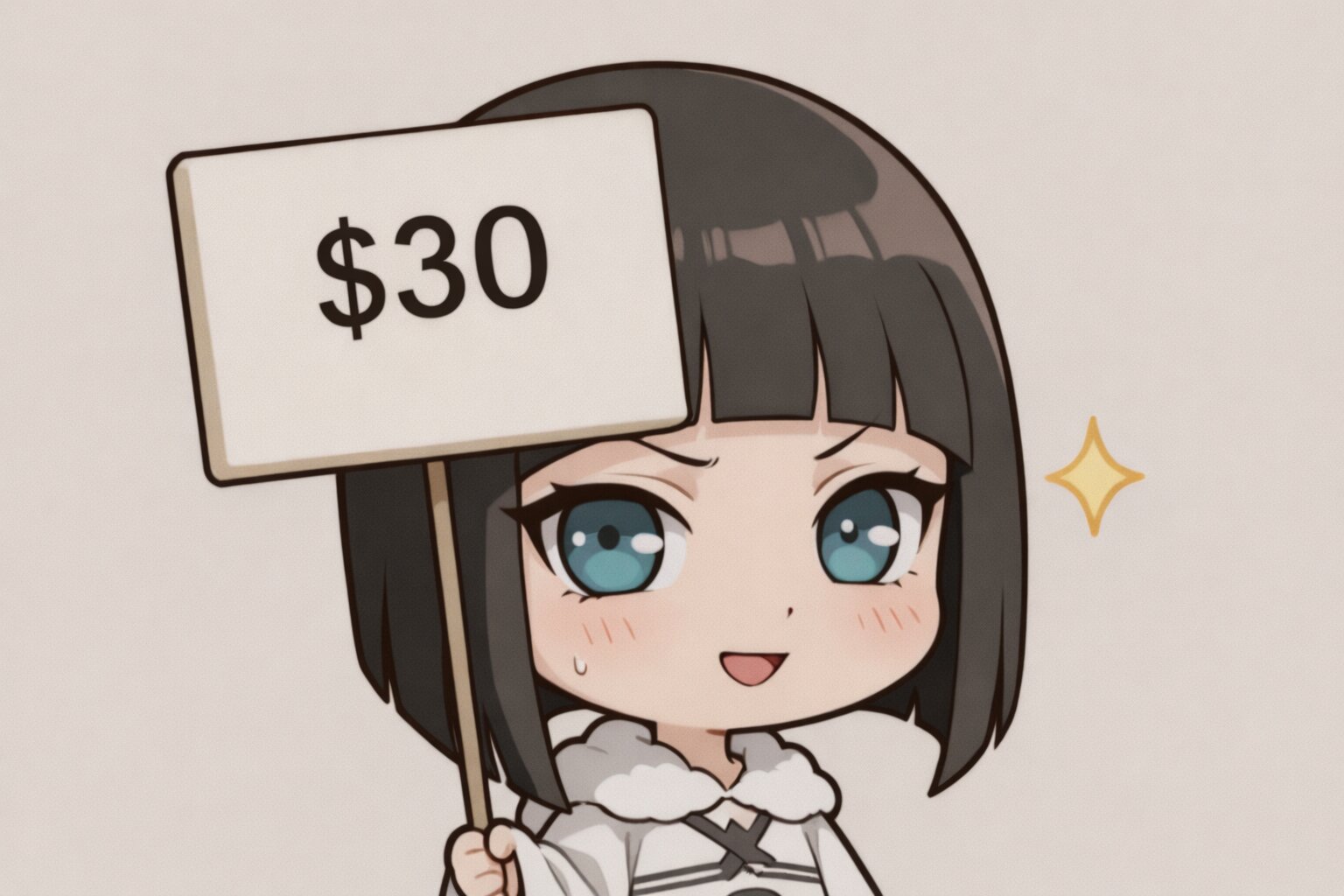
GOLD
/ month
- • Includes everything from Bronze & Silver tiers, plus:
- • Your custom request is prioritized over all active custom requests from lower-tier members.
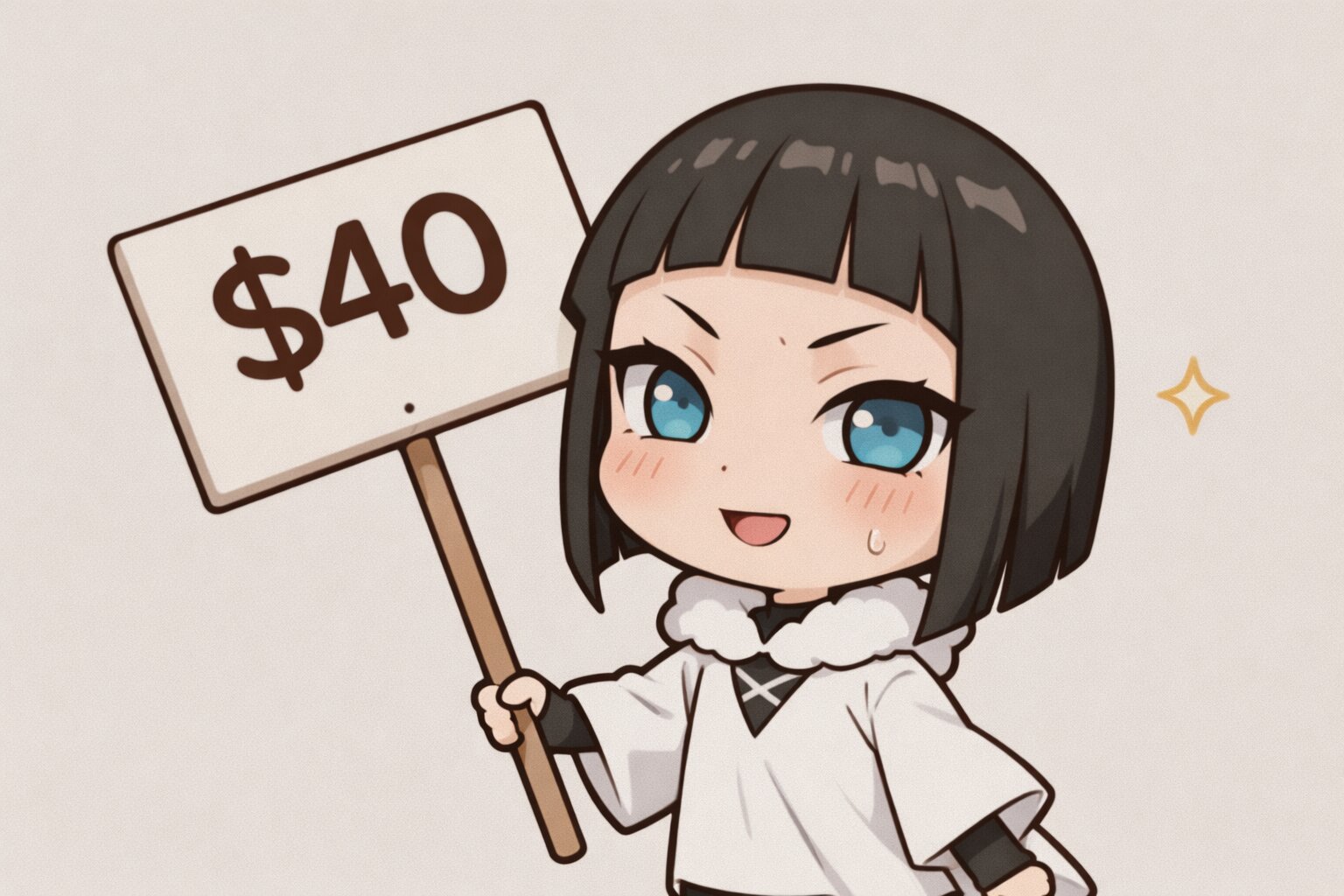
PLATINUM
/ month
- • Includes everything from Bronze & Gold tiers, plus:
- • Your request is worked on first after current tasks are completed.